1) Quick overview (what to expect)
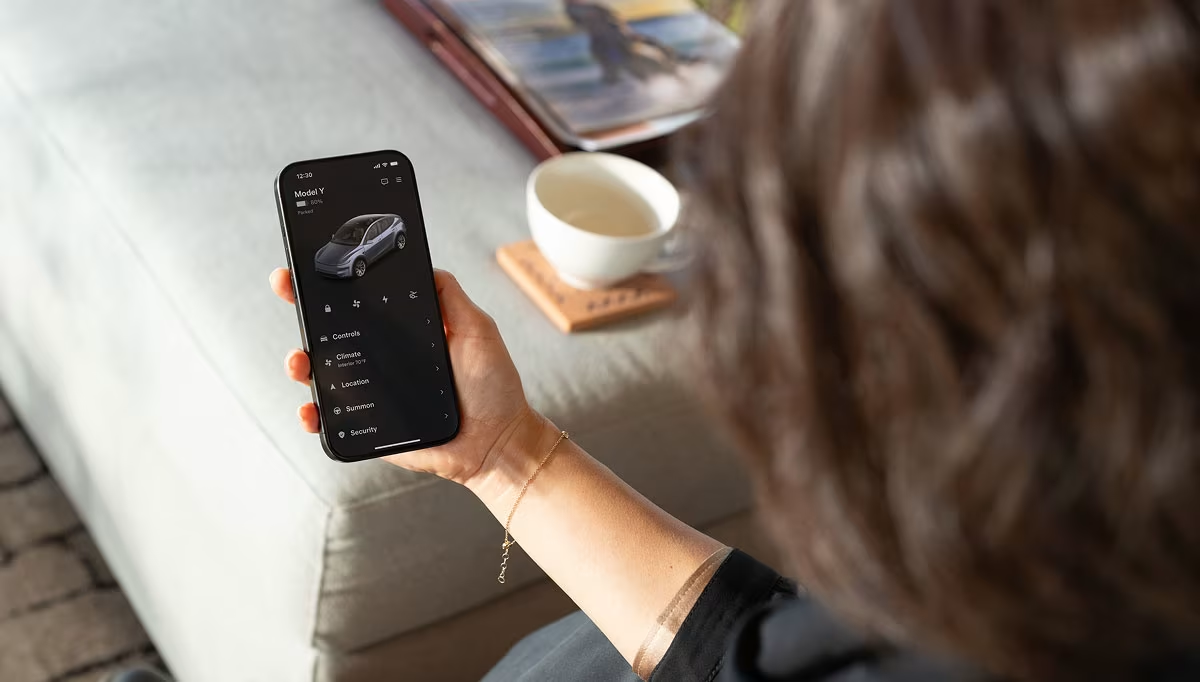
- Everything happens online and in the Tesla app. After you place an order on tesla.com, Tesla prompts you (in-app) to complete all pre-delivery tasks: registration, delivery location, insurance, payment, trade-in, and scheduling.
- Referral benefits (for first-time buyers) are applied only when ordering via a valid referral link; programs and amounts change over time and by market, so always check Tesla’s current “Refer & Earn” terms.
- Timelines vary by model, factory, and your location. Recent forum posts show estimates from ~1–5 weeks for common trims, longer if you’re far from a factory or ordering a special configuration.
2) Choosing your Tesla (decision flow)
Start with use-case and climate
- Cold/snowy states: Consider AWD for traction; RWD can work with proper winter tires but AWD gives more margin.
- Daily commute <50–70 miles: Any modern Tesla range is fine; focus on total cost, charging access, and comfort.
- Frequent road trips: Favor Long Range trims and smaller wheels for efficiency; verify Supercharger coverage on your routes.
Budget & ownership
- Price moves; Tesla adjusts trims and incentives. Confirm current U.S. pricing in the configurator before you plan a budget.
3) Using a referral link or code (what it does, how to apply it)
What it is: Tesla’s Refer & Earn grants benefits to the buyer using a valid link (typically only for your first qualifying purchase) and credits to the referrer. Exact benefits change.
How to apply it correctly:
- Click the referral link before you configure. You should see a banner or confirmation that referral benefits apply.
- Configure your vehicle and proceed to checkout within the same session.
- Verify the referral shows on your order page or email. If in doubt, contact Tesla via the app before delivery to avoid losing eligibility.
Order now with a referral: https://ts.la/sofia42842
Note: Independent coverage sometimes reports specific dollar amounts or credits, but Tesla changes these frequently—always rely on the official page at purchase time.
4) Placing the order (online flow and account setup)
- Order on tesla.com, then download the Tesla app and log in with the same email to unlock pre-delivery tasks (registration info, delivery location). Tesla’s support docs explicitly advise doing this right after ordering.
- You’ll see an estimated delivery window in your account and via email, which updates as your VIN and logistics progress.
5) The contract & paperwork (Order Agreement, MVPA, insurance)
- You’ll review and e-sign the Order Agreement and, later, the Motor Vehicle Purchase Agreement (MVPA) in your Tesla Account/App.
- Tesla prompts you to upload insurance before scheduling delivery. Completing these tasks early speeds up handover.
6) Payment methods (ACH, wire, financing, trade-in)
Common paths:
- ACH via the app (link a bank and pay electronically).
- Wire transfer (banks may need 1–2 business days).
- Tesla financing or lease (complete approval in app).
- Trade-in (enter VIN and payoff; offers finalize close to delivery).
Reality check from owners:
- Some centers have required wire 72 hours before delivery and declined cashier’s checks; others allowed cashier’s checks after inspection. Policies vary by location/time—confirm with your Delivery Advisor in the app.
- One Redditor summarized ACH handling: “Tesla considers the car paid when ACH verifies funds… may not actually execute it until close to time of delivery.” (shortened for length).
Best practice: Decide your payment method early and message Tesla in-app to confirm what your delivery center accepts for your appointment.
7) Delivery timelines: what’s typical right now
Examples from 2025 threads:
- Model Y order finalized May 10 → estimated 3–5 weeks.
- 2025 Model Y “Launch Edition”: forum chatter noted deliveries beginning March; outside CA/TX add shipping time.
What affects timing:
- Factory build queue, your configuration (wheels/paint), location (distance from factory), end-of-quarter waves, and transporter availability. Your account’s estimated window is the authoritative reference.
8) Scheduling delivery & pre-delivery tasks in the Tesla app
- You’ll get a prompt in the app to schedule delivery once your car is ready. Tesla emphasizes finishing insurance, payment, and trade-in tasks before your slot.
- If you need to reschedule, you can do so in the app (deliveries within the next 48 hours generally can’t be rescheduled).
- Tesla has an interactive walkthrough called “Get to Know Your Pre-Delivery Tasks.” It’s worth viewing once your EDD appears.
9) Delivery day (pickup flow, inspection checklist, title/registration)
- Tesla’s support page “Delivery Day” outlines the prep steps: app, registration details, delivery location, pre-delivery tasks.
- At the center, most owners are allowed to inspect the vehicle (panel alignment, glass, paint, interior, software version) before finalizing. Some buyers report presenting a cashier’s check after inspection when permitted by their location.
- You’ll receive temporary tags (state-dependent) and your permanent plates/title follow per your DMV’s timeline (handled by Tesla or mailed, varies by state).
Quick inspection hits:
- Exterior panels & paint, glass roof alignment, lights, wheels/tires
- Interior trim gaps, seat stitching, screen, cameras, charge port
- Software build, driver profiles, mobile key, phone as key
- Charge test if a Supercharger is nearby (optional)
Order now with a referral: https://ts.la/sofia42842
10) Real buyer notes & testimonials (U.S. forums)
- Delivery timing feel: “Finalized my 2025 Model Y… estimated delivery time is 3–5 weeks.” (TMC, May 11, 2025).
- Geography matters: “Deliveries begin in March… outside CA/TX it will take a while for vehicles to be shipped.” (Tesla Owners Online, Feb 5, 2025).
- Payment nuances: “Told my advisor I had a cashier’s check and inspected first; then handed it over.” (Reddit, last month). Some centers meanwhile require wire 72 hours before delivery.
- ACH timing: “Tesla considers the car paid when ACH verifies funds…” (older but still-circulating Reddit experience).
These anecdotes help set expectations, but your center’s policy governs. Always confirm in-app for your VIN and location.
11) Example end-to-end timeline (realistic, conservative)
Day 0 (Order with referral link): Configure, place the order, deposit paid, referral applied. EDD appears in your account.
Days 1–3: Download Tesla app; complete registration, delivery location, trade-in info, and insurance placeholder (you can finalize the VIN later).
Week 1–2: VIN assigned; MVPA generated. Pick financing or upload proof of funds. If your center requires wire, initiate it now per their guidance.
Week 2–4: Logistics to your region; schedule delivery in the app once invited. Finish insurance with the VIN; verify payment received/cleared.
Delivery Day: Inspect, sign any final forms, accept delivery in the app, drive home smiling.
Total elapsed time: ~2–5 weeks in many recent reports; longer is possible depending on model and location.
Order now with a referral: https://ts.la/sofia42842
12) Pro tips & FAQs
How do I make sure the referral benefit “sticks”?
Use the link before configuring, confirm you see referral applied on the order screen/email, and keep a copy. Benefits vary and can change; rely on Tesla’s official page at purchase time.
Can I change delivery dates?
Yes, in-app—except typically not within 48 hours of the appointment.
What if my payment is still “processing”?
Message your advisor in the app. ACH verification and fund movement can be out of sync with appointment timing; centers can see your status internally.
What documents should I bring?
Driver’s license(s), insurance card/binder with VIN, payment proof if applicable, and any trade-in documents (title, payoff letter).
Where can I see the official steps summarized?
Tesla’s support pages for Ordering, Taking Delivery, Delivery Day, and the Pre-Delivery Tasks video.
Final word (and the referral link)
Buying a Tesla in the U.S. is mostly self-service, digital, and fast—especially when you finish the app tasks early and clarify payment acceptance with your delivery center. Referral benefits are real, but they’re time-sensitive and program-dependent, so apply your link at the very start and verify it shows on your order.
Order with a referral (example): https://ts.la/sofia42842